
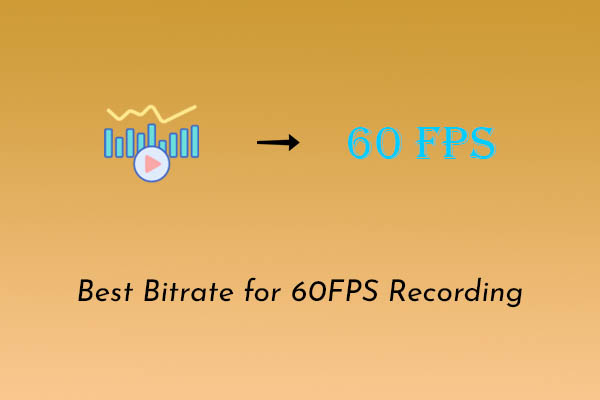
Best Bitrate for 60FPS Recording: Right Settings for Your Videos
What is the best bitrate for 60fps recording? It varies depending on the scenario. This post explains how to choose the right bitrate for smooth recording.
By Jade
What is the best bitrate for 60fps recording? It varies depending on the scenario. This post explains how to choose the right bitrate for smooth recording.
This post reviews 6 1080p Screen recorders for capturing HD videos, including Clipchamp, Xbox Game Bar, MiniTool Screen Recorder, ScreenPal, Camtasia, and Loom.
How to record a podcast on Spotify? It does not offer a recording feature; this post covers 2 ways to record with MiniTool Screen Recorder and Snipping Tool.
This post covers 6 excellent Spotify recorders to record music, including Clipchamp, Xbox Game Bar, MiniTool Screen Recorder, OBS Studio, and more.
How do you record video games for YouTube? Explore 2 simple methods using MiniTool Screen Recorder and Clipchamp, with tips for creating better gameplay videos.
This post provides 7 online game recording tools for smooth gameplay capture, including Xbox Game Bar, MiniTool Screen Recorder, Medal, RecMaster, and more.
How do you record while playing a game on PC? Use the game built-in recording feature or professional recording tools, such as MiniTool Screen Recorder.
This post explains Game Bar errors and offers 10 solutions, including enabling Game Bar, checking services, updating drivers, using alternative tools, etc.
This article explains how to record gameplay on PC with 2 easy ways: using the 2 excellent recording tools, MiniTool Screen Recorder or Xbox Game Bar.
Can you record NBA League Pass Games? Yes. It has no built-in recorder, but tools like Xbox Game Bar or MiniTool Screen Recorder can do this.
This post provides 7 best apps for recording gameplay with overlays, such as Clipchamp, MiniTool Screen Recorder, Camtasia, OBS Studio, and more.
Outplayed not recording? This guide covers 10 fixes, including upgrading the system, updating drivers, resolving conflicts, using alternative tools, etc.