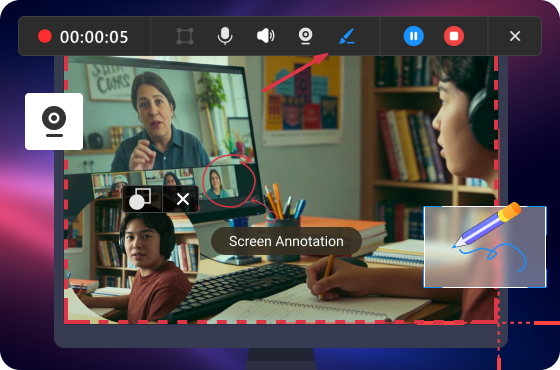

Immersive Camera Recording
Record Webcam together with online screen. Capture all real-life details, visual and auditory elements, and combine with on-screen operations, making a picture-in-picture (PiP) video.
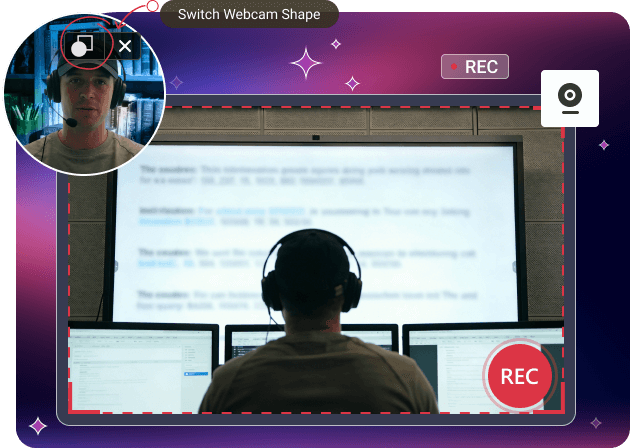
Record Webcam together with online screen. Capture all real-life details, visual and auditory elements, and combine with on-screen operations, making a picture-in-picture (PiP) video.
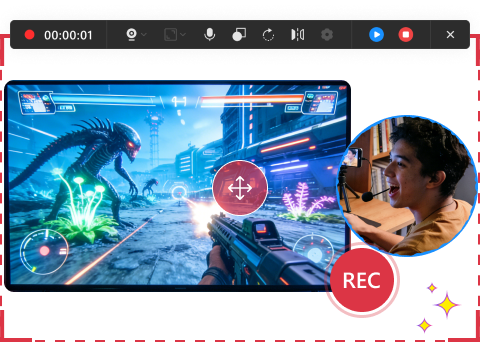
Share game highlights face-to-face with friends, enjoying pleasant moments together! Just capture gameplay screen and live commentary simultaneously!
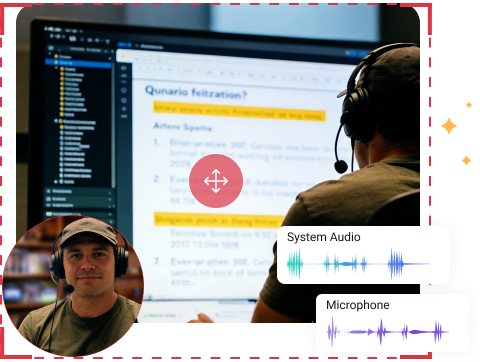
Record camera with real people, enhancing attractiveness, trust and connection. This is best for creating training tutorials, presentation instructions, and explanation videos.
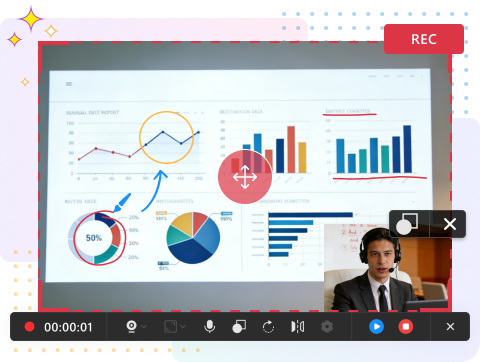
Place your webcam overlay in any corner of the screen, top left, top right, bottom left, or bottom right, which means you can flexibly prevent interruption with screen content.
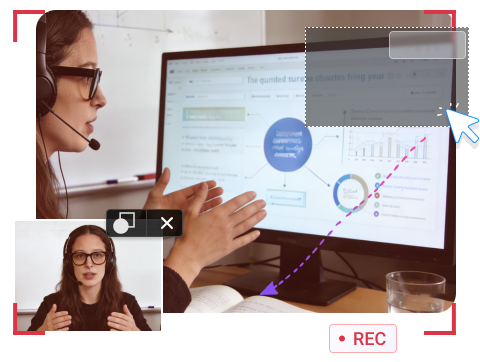
MiniTool Screen Recorder supports different overlay shapes. Square overlay creates a formal feeling, while circle overlay delivers a friendly atmosphere.
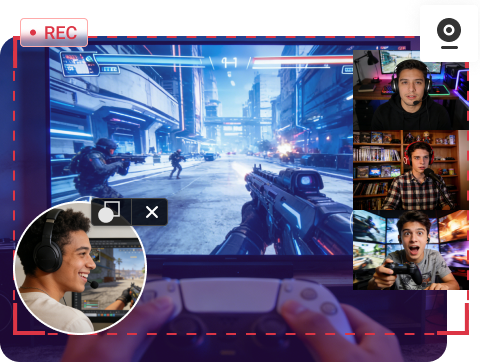
Besides webcam recording, MiniTool Screen Recorder also supports screen recording and screen annotation. With it, you can capture your screen and annotate in real time for clearer, more engaging recordings.