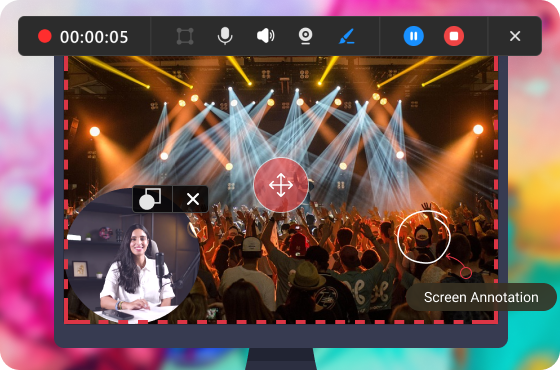

Professional Geometric Shapes
Annotate on screen with professional geometric figures including lines, arrows, rectangles, and ellipses. They serve as powerful annotations and visual cues, enabling quick navigation.
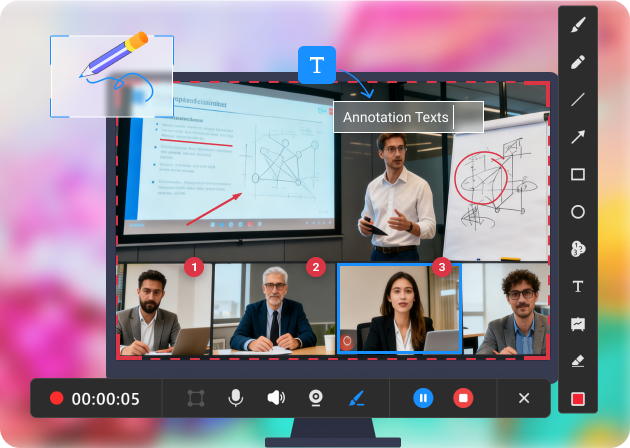
Annotate on screen with professional geometric figures including lines, arrows, rectangles, and ellipses. They serve as powerful annotations and visual cues, enabling quick navigation.
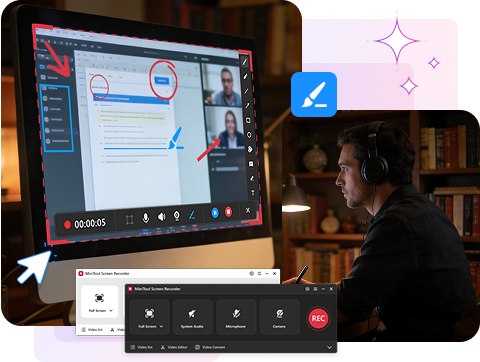
Freely draw lines or shapes to focus attention. Highlight something by manually adding special marks, allowing viewers to quickly find out what matters.
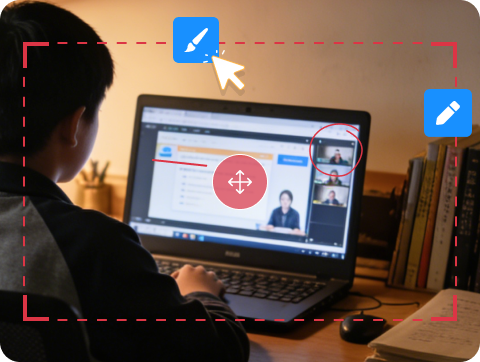
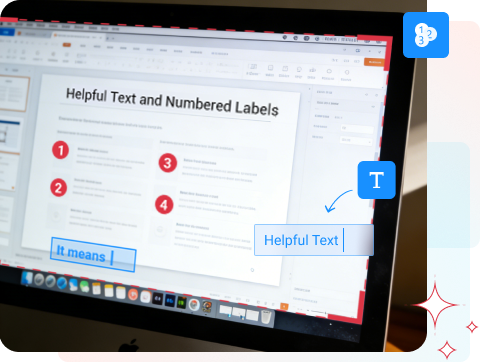
Explain the operations with texts and order the steps with sequential numbers, making the whole process easy to understand and clear to follow. This is really useful for recording step-by-step tutorials, guides, and instructions.
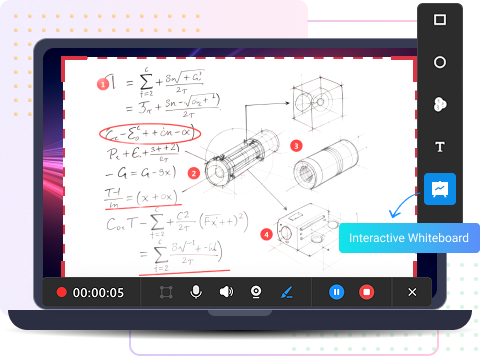
Add a whiteboard to foster collaboration and capture attention. This allows for clear visual explanations of complex ideas, like scientific formulas or product designs.
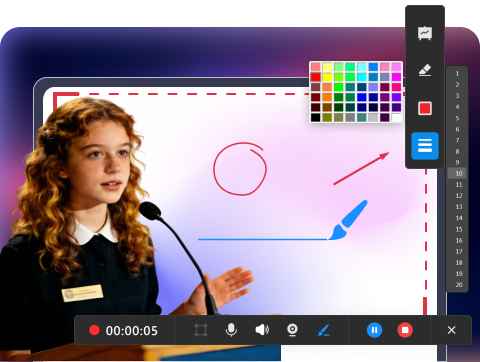
Adjust the color and width of the lines, arrows, shapes, numbers, and texts, ensuring optimal visibility and accessibility. Different colors and widths create contrast, guide viewer focus, and increase readability.
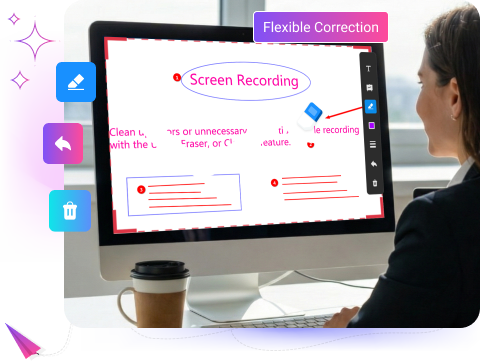
Clean up errors or unnecessary annotations while recording with the Undo, Eraser, or Clear all feature. This enables you to reuse the screen area and make a new draft, offering professionalism and better viewer experience without distractions.
Together with screen annotation, MiniTool Screen Recorder offers screen recording and webcam recording, providing a comprehensive set of video recording functions to satisfy your diverse needs.