

Explore the best streaming audio recorders, including MiniTool Screen Recorder, Audacity, SoundTap, and other programs. Effortlessly capture high-quality sound from various online platforms for offline listening.
Important Reminder: This post is for personal, fair use, and educational purposes. Use these tools to capture audio for a personal archive and offline listening only. Don’t use recordings for commercial purposes. Obtain consent from all participants in a chat before recording. Always check the platform’s Terms of Service before capturing content from streaming platforms.
What Is a Streaming Audio Recorder
A streaming audio recorder is a software application that captures audio as it’s playing on your computer or mobile device from online resources. Then, it will convert the audio output to local files for offline listening or archiving.
In other words, a streaming audio recorder captures system audio from your computer, such as sound from your browser, music apps, and game sounds.
Key Features of a Good Streaming Audio Capture Tool
If you’re looking for a tool for recording streaming audio, consider the following fey features.
Schedule Recording: This is especially useful if you need to record audio from live or upcoming events. Set a duration or start and end time to schedule the recording.
Choose Recording Source: A reliable streaming audio recorder should also be able to separate system audio and microphone or isolate audio from different resources to ensure clean results.
Stability & Performance: A good audio recorder also provides smooth recordings without drops or lag.
Audio Quality & Format: An excellent online audio recorder ensures high-quality outputs and can save files as MP3, WAV, FLAC, or other popular audio formats.
4 Excellent Streaming Audio Recorders for Windows
After knowing what makes a good streaming audio capture tool, let’s review four of the best options available for Windows computers.
MiniTool Screen Recorder
As the name suggests, MiniTool Screen Recorder is a professional tool for recording your on-screen activity. Whether you need to capture the entire desktop, a specific application window, or a custom region, this program gives you the best flexibility and ease of use.
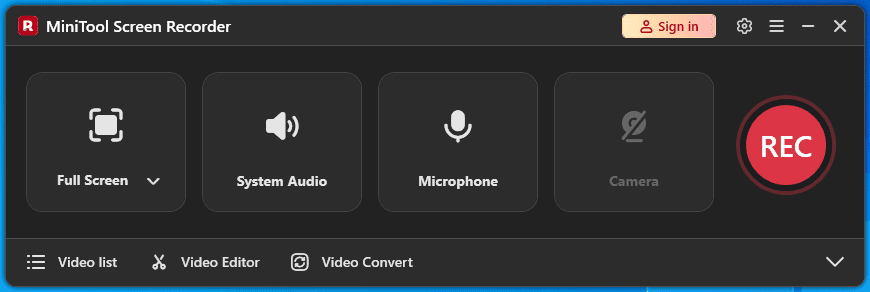
As one of the best free Windows screen-capturing software, MiniTool Screen Recorder also records all the audio from your computer and external sounds from a microphone without quality loss. And with its scheduling feature, you can set a duration to record content for automation and convenience.
Therefore, if you want a free streaming audio recorder to capture audio from websites, MiniTool Screen Recorder is worth a try.
MiniTool Screen RecorderClick to Download100%Clean & Safe
Furthermore, MiniTool Screen Recorder enables you to record webcam on your PC. With its excellent annotation tools, you can easily create engaging tutorials, demonstrations, and more.
After recording, you’ll get an MP4 file with both video and audio. You can play this universal format on your PC, phone, or other devices with ease.
If you want to extract audio from the MP4 file, use MiniTool Video Converter, a free video/audio converter, to turn it into MP3, WAV, WMA, AAC, AIFF, or other audio formats.
MiniTool Video ConverterClick to Download100%Clean & Safe
OBS Studio
OBS Studio is a versatile screen recording application and also one of the best tools for recording streaming audio. It can record multiple audio sources up to 6 tracks in one scene and control the volume and apply filters individually.
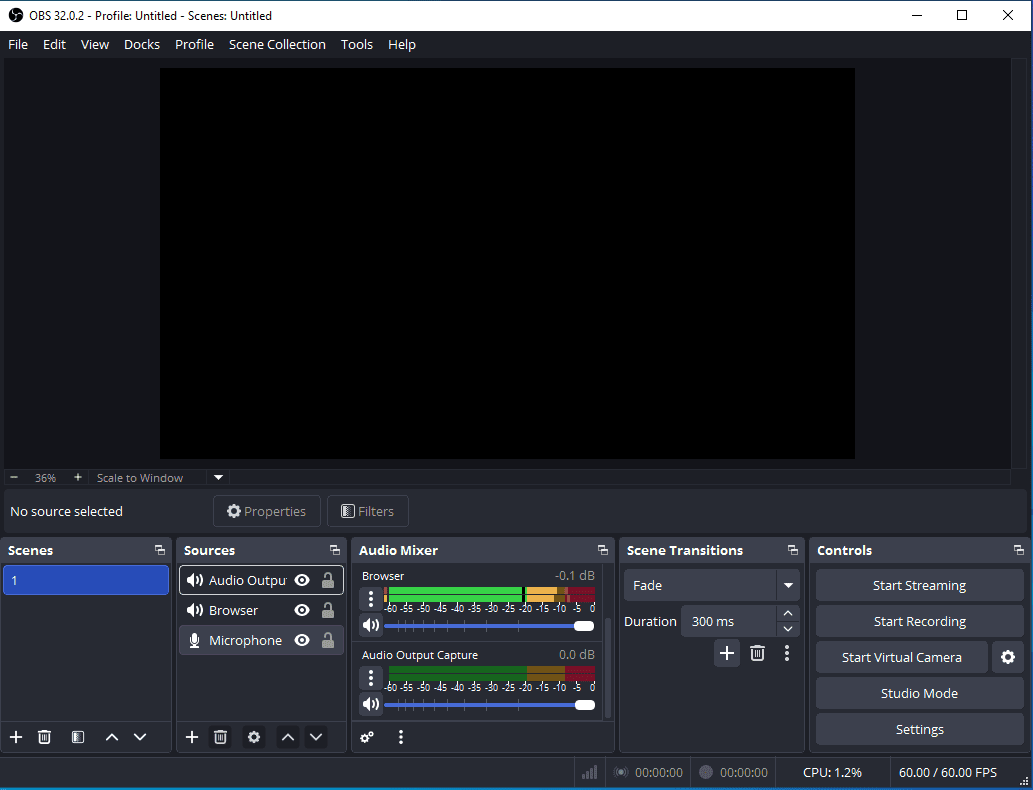
If you want to capture streaming audio with other audio signals, like game audio and a microphone, to multiple tracks for later post-editing, OBS is a great option. This program doesn’t export audio files. You need an external tool like MiniTool Video Converter to extract audio from the result.
However, the interface of OBS might be a little complex for beginners, and they may need some time to learn the application.
Audacity
When it comes to the best streaming audio recorder, Audacity must be on the list due to its no-cost, ease of use, and multiple audio output formats. It can record nearly all audio you can hear on your computer, including both system sounds and microphone input.
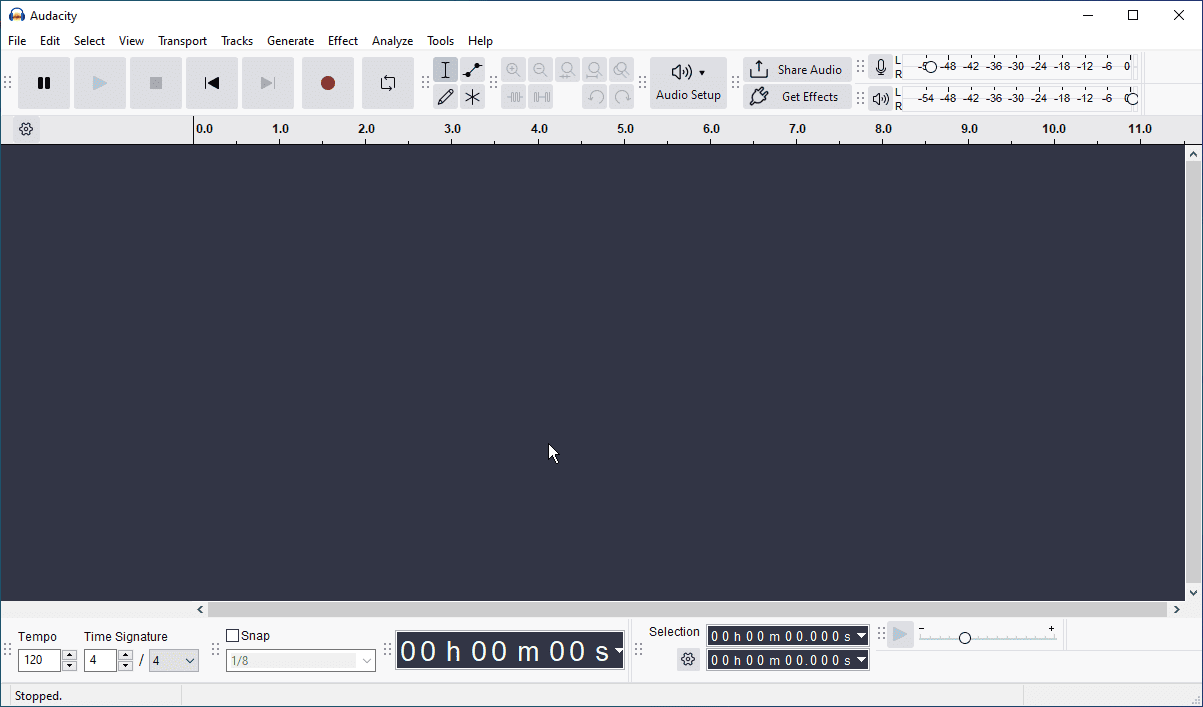
Undoubtedly, Audacity is generally considered a capable free tool for ripping audio from websites, creating voiceovers, or recording podcasts. It also lets you adjust the sample rate to control the sound quality. Besides, it lets you schedule the start and end of a recording.
After recording, you can directly trim, split, move, or delete sections of an audio file, and apply effects. Finally, you export the recording as MP3, WAV, FLAC, OGG, M4A, or other audio formats.
SoundTap
SoundTap is a paid streaming audio recorder developed by NCH Software. It captures all the audio playing through your computer, such as music, lectures, live webinars, and more. It can also record computer audio and microphone input simultaneously.
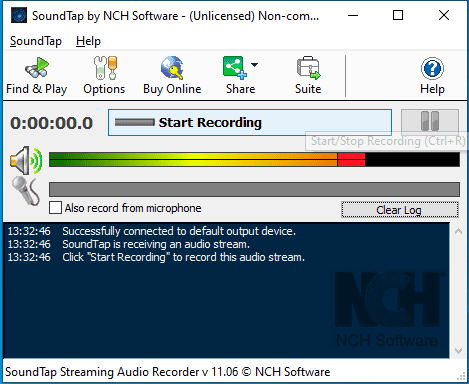
Finally, SoundTap saves audio recordings in the WAV or MP3 format, which are accepted by the most popular media players.
3 Online & Chrome Streaming Audio Recorders
In addition to desktop programs, you can also use online tools or Chrome extensions to record streaming audio more easily and conveniently.
Apowersoft Free Online Audio Recorder
Apowersoft Free Online Audio Recorder enables you to record audio from Chrome tabs or a specific window and the microphone simultaneously. In the end, it lets you save the audio as an MP3 file.
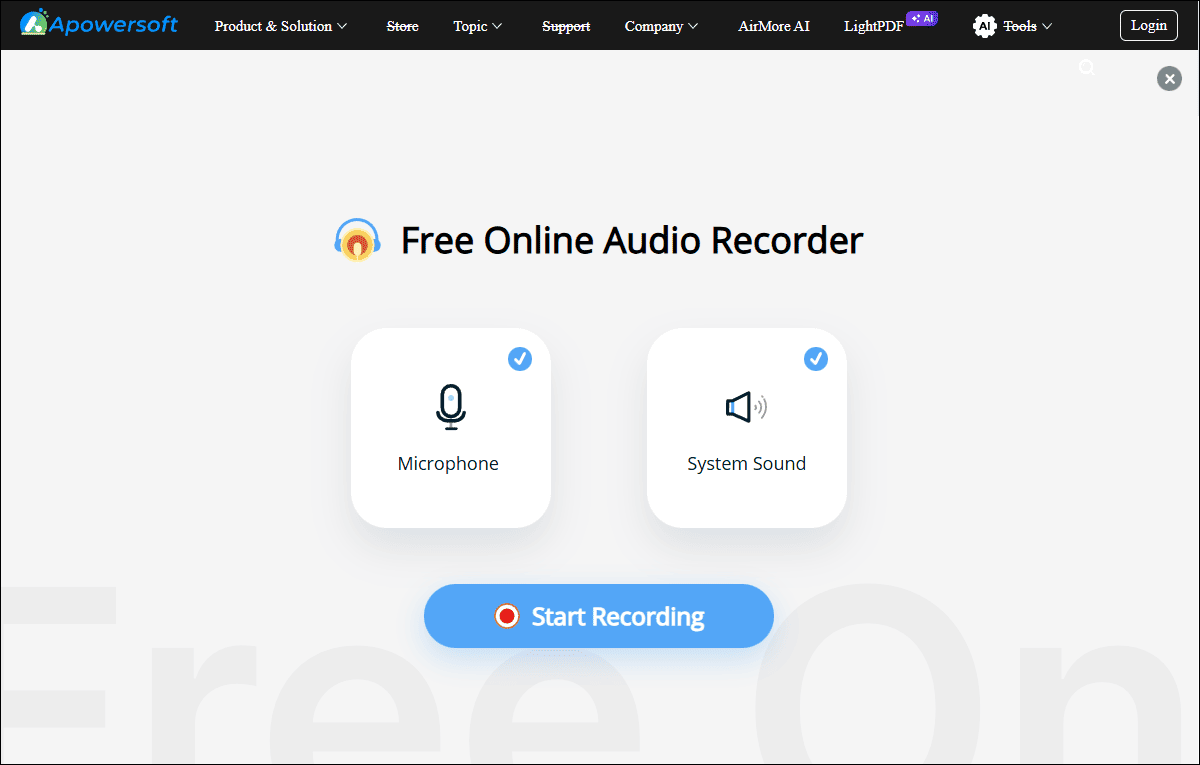
However, the tool has a one-hour limit for individual recordings due to browser memory limitations. And it doesn’t offer recording settings.
Audio Recorder Online
Audio Recorder Online is a free Chrome extension that captures audio from your tabs and microphone without time limits. It lets you choose the recording bitrate to control the quality.
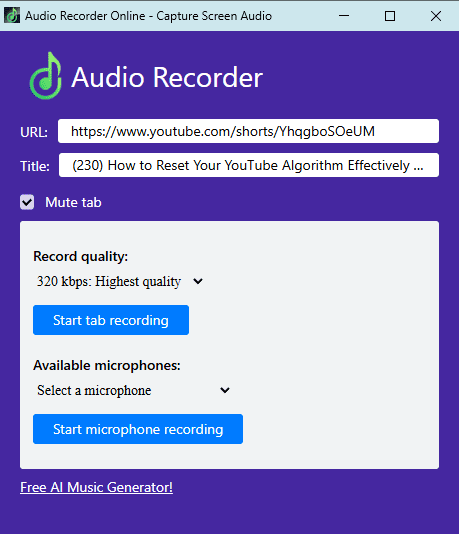
This tool also allows you to mute the recording tabs and pause recording with one click. Finally, you can save the recorded audio as MP3, WAV, or M4A files to your computer.
Audio Capture
Audio Capture is also a great tool for recording streaming audio from any active Chrome tab, claiming it works with YouTube, Spotify, and other platforms.
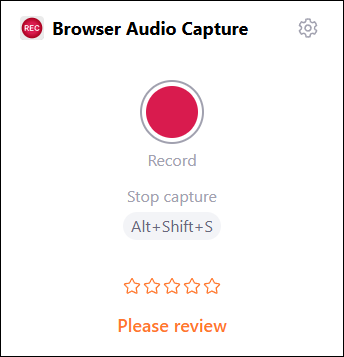
By default, Audio Capture mutes the tab that’s being recorded. It also allows you to choose the output format (MP3 or WAV) and the sound quality. However, it can only record up to 20 minutes each time.
Conclusion
With a streaming audio recorder, you can easily save audio from music sites, radio stations, video sites, and other platforms to enjoy them offline. If you want more controls over recordings, use desktop software. For easier access and convenience, an online or Chrome audio recorder is a perfect solution.
Finally, if you have any questions while using MiniTool products, please email us at support@minitool.com for help.