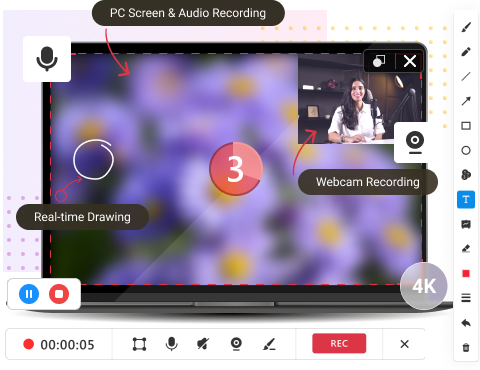

Powerful & Quick Screen Recording
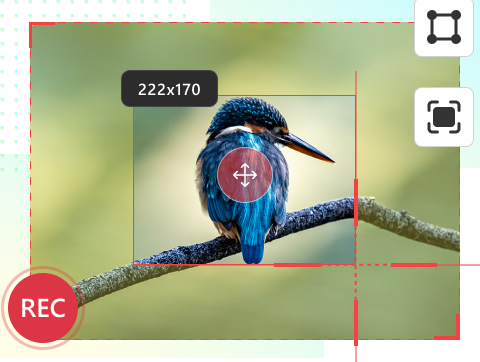
Record the full screen, software program window, or a specific region. Quickly select a recording area and start the process in a few seconds!
Quickly screen record on Windows to share with others!
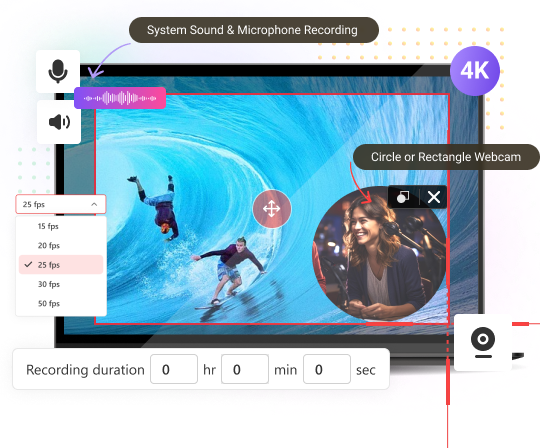
Record the full screen, software program window, or a specific region. Quickly select a recording area and start the process in a few seconds!
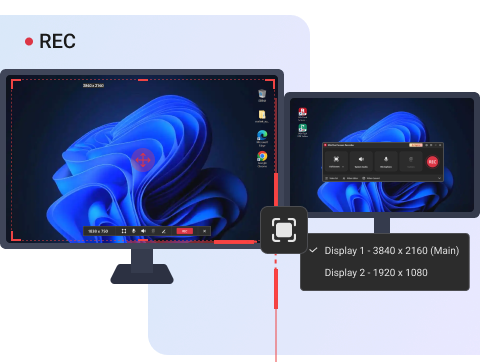
Record the main display, external display, or both. Focus on target by capturing the main or external monitor in full screen mode. Or record multiple screens simultaneously in select region mode.
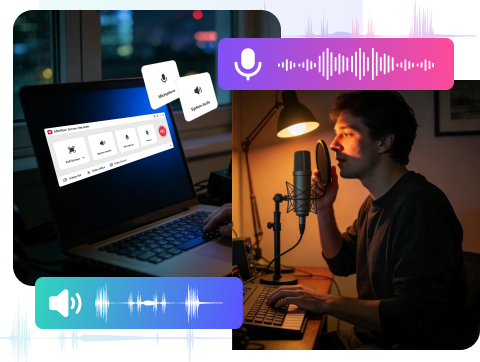
Record internal system sound like background music; record external microphone audio like human speech, or capture a mixture of both to increase engagement.
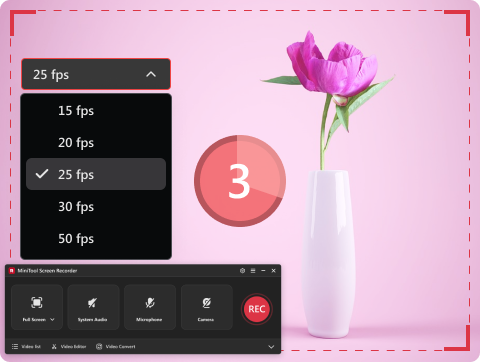
MiniTool Screen Recorder supports popular frame rates like 50FPS, 30FPS, 25FPS, 20FPS, and 15FPS. A high frame rate recording creates clear videos, while a low frame rate recording saves storage space.
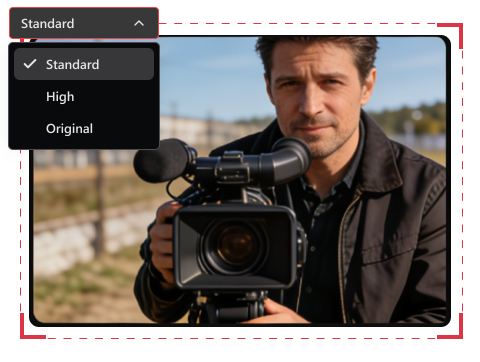
MiniTool Screen Recorder offers 3 video quality levels: high, standard, and original. Select a level that satisfies your needs, or balance viewer experience and file size.
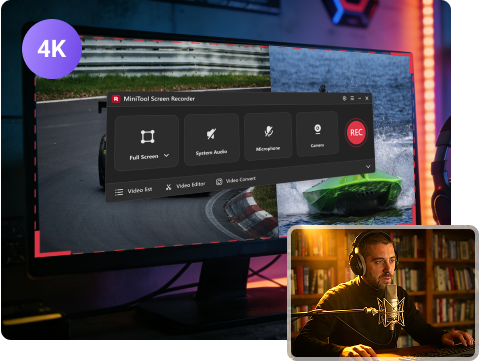
MiniTool Screen Recorder supports to record screen at up to 4K resolution, generating Ultra HD videos, good choice for streaming, online teaching, and other purposes!
In addition to screen recording, MiniTool Screen Recorder still supports webcam recording and screen annotation. Combine these features to make your recording more vivid and engaging.