

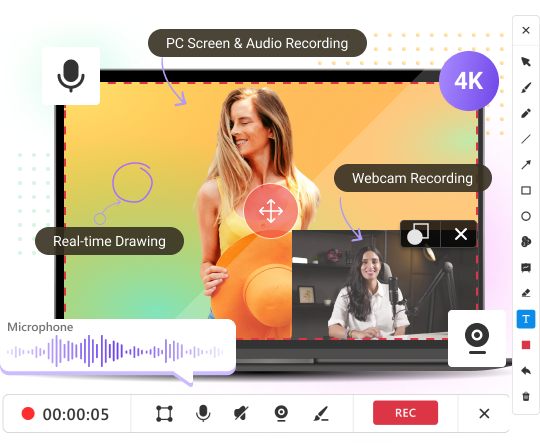
Flexible Screen & Webcam Capture
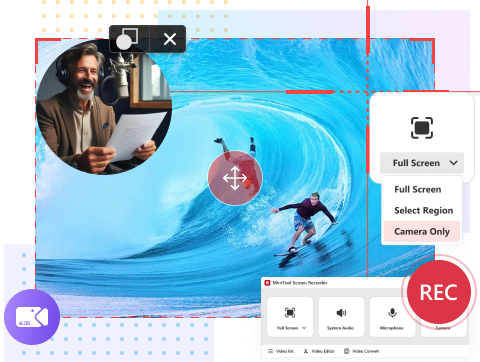
Record computer screen or webcam as you like! Choose to record your screen only, your camera only (self-narration), or capture both of them for a picture-in-picture (PiP) overlay. Flexible and powerful!
Record computer screen or webcam as you like! Choose to record your screen only, your camera only (self-narration), or capture both of them for a picture-in-picture (PiP) overlay. Flexible and powerful!
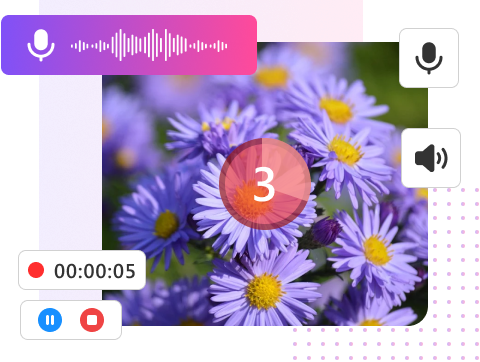
Want to get immersive, coherent, and enhanced videos? Don’t miss the audio elements! Capture background music to set the perfect mood, or record your microphone for direct narration, building trust and connection with your audience!
Highlight important information using the drawing feature. Add colorful arrows, lines, shapes, and texts to your video, making it more comprehensive and engaging, or insert whiteboards with additional content for complementary. Convenient and user-friendly!
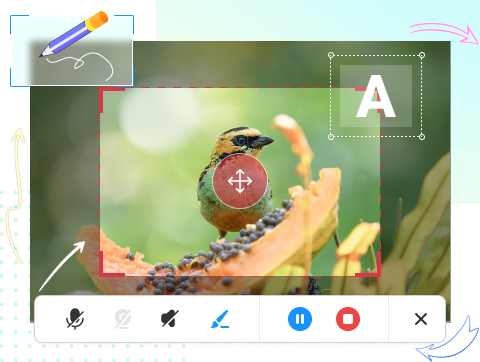
Recording application window or selected region is another benefit. This allows you to create focused and clarity content, saving time and storage in post-production, as well as protecting privacy. Easy and safe!
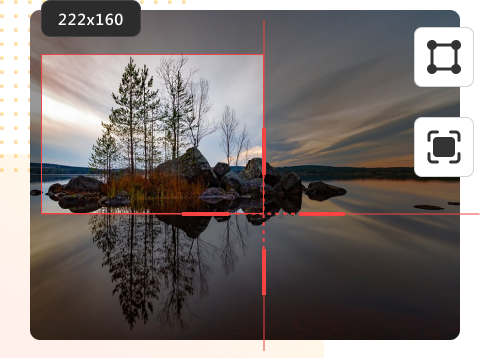
MiniTool Screen Recorder supports up to 4K video capture, delivering in high video quality. For smooth and professional results, it offers flexible frame rate options ranging from 15 FPS to 50 FPS, satisfying diverse needs!

MiniTool Screen Recorder is the best free screen recorder for Windows users!
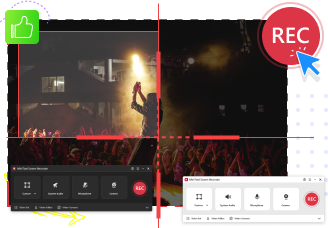
The intuitive UI allows you to quickly record anything on the screen: gameplay, live streams, video calls, etc. Easily create diverse videos like funny clips, educational tutorials, and product reviews.
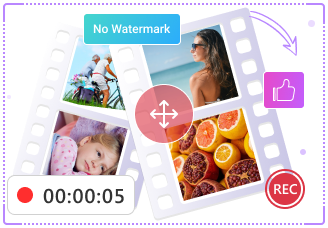
MiniTool Screen Recorder does not add watermarks or time limits to your videos. It’s completely free. You can capture videos of any length, as long as you have enough storage space.
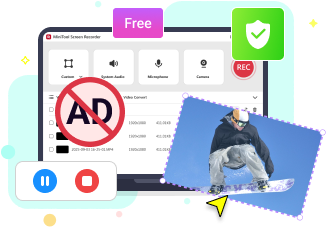
This screen and audio recorder is 100% clean. It contains no ads, no bundles, and respects user privacy, staying safe by operating offline without network connection.

Windows 10 (64-bit) and Windows 11 (64-bit).

At least 4GB.

At least 1GB free space.

Intel Core i5 or better, 2GHz+.

Intel HD Graphics 5000 or later; NVIDIA GeForce GTX700 or later; AMD Radeon R5 or later.